Loading
Add Bank Account
To receive payouts from donations, link your bank account.. Donations are not affected, and donors can still donate to your campaign.
 English
 עִברִית
 Española
 Français
 Português
 Русский
This page is a demo page for bots. To access the real dashboard click here
Select A Campaign
Upgrade to Pro
Upgrade your Plan
Contact UsSelect A Campaign
Bank Account
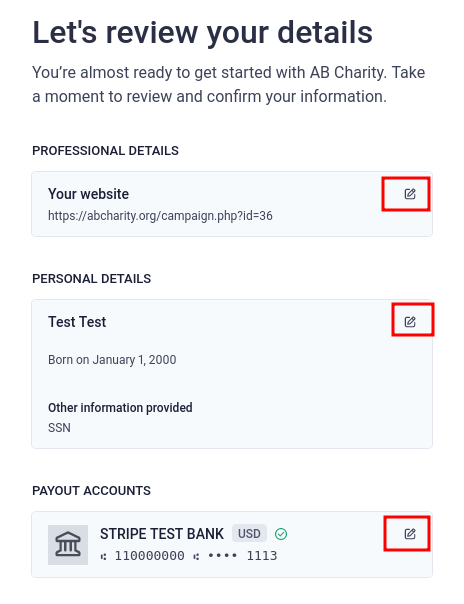
We use Stripe to process donations made through debit/credit cards. For Stripe to send the money to your bank account, you'll need to link your bank account with Stripe.
Here is how the process works.
- Select the country your bank account is in.
- You'll be redirected to Stripe's website to fill out the info Stripe sees necessary to transfer money to your bank account.
- Once you completed filling out the form, you'll be redirected back to your dashboard. Your account is good to go.
Select Your Country
-
 United States
-
 Canada
-
 United Kingdom
-
 Australia
-
 Israel
-
 Austria
-
 Bulgaria
-
 Cyprus
-
 Czech Republic
-
 Denmark
-
 Estonia
-
 Finland
-
 France
-
 Germany
-
 Greece
-
 Hong Kong
-
 Hungary
-
 Ireland
-
 Italy
Italy
-
 Japan
Japan
-
 Latvia
-
 Lithuania
-
 Luxembourg
-
 Malta
Malta
-
 Netherlands
-
 New Zealand
-
 Norway
-
 Poland
-
 Portugal
-
 Romania
-
 Singapore
-
 Slovakia
-
 Slovenia
-
 Spain
Spain
-
 Sweden
-
 Switzerland